







店舗受取サービス
オンラインストアで購入した商品を指定の店舗で受け取ることができるサービスです。




店舗受取サービス
オンラインストアで購入した商品を指定の店舗で受け取ることができるサービスです。

ギフトサービス
グラニフオンラインストアでは大切な人への贈り物にギフトバッグサービスを承っております。多彩なグラフィックアイテムから、とっておきの贈り物を探してみませんか?

unisize(ユニサイズ)
unisize(ユニサイズ)は、サイズのお悩みをサポートするオンライン試着ツールです。

グラニフ キッズ サポート
グラニフは、内閣府が社会全体で子育て世帯を応援するため推進する「子育て支援パスポート事業」に賛同し、全店舗で支援策を実施しています。

グラニフ公式LINEスタンプ
グラニフの人気キャラクターたちがLINEスタンプになって続々登場。かわいくて個性的なグラフィックで、何気ない日常会話を楽しく彩ります。

Print Mania
グラニフのものづくりの秘密やこだわりを、毎月テーマに沿ってご紹介します。

Control Bear NFT
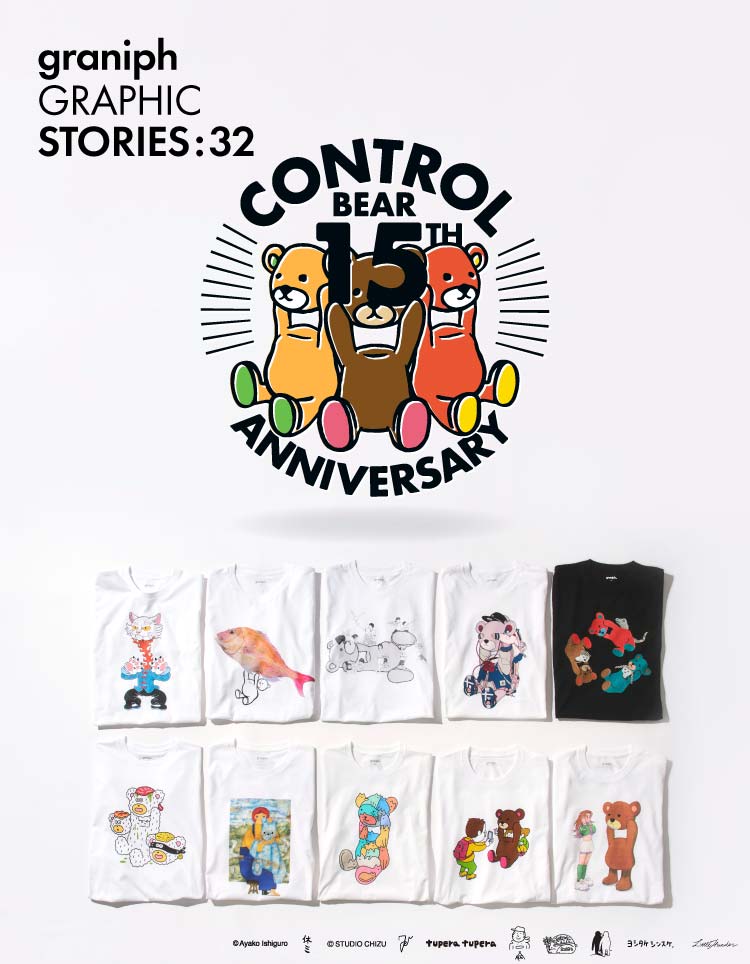
Control Bear生誕15周年を記念したNFTプロジェクト。未来に向けた新しいControl Bearをお楽しみください。